
 Canva
CanvaScan the page
Read editable text blocks on the current Canva page without promising a full-design scan.
Canva app by Storyship
SpellFix helps Canva creators scan editable text on the current page, review possible spelling issues, apply confirmed fixes, ignore accepted words, and rescan before publishing.
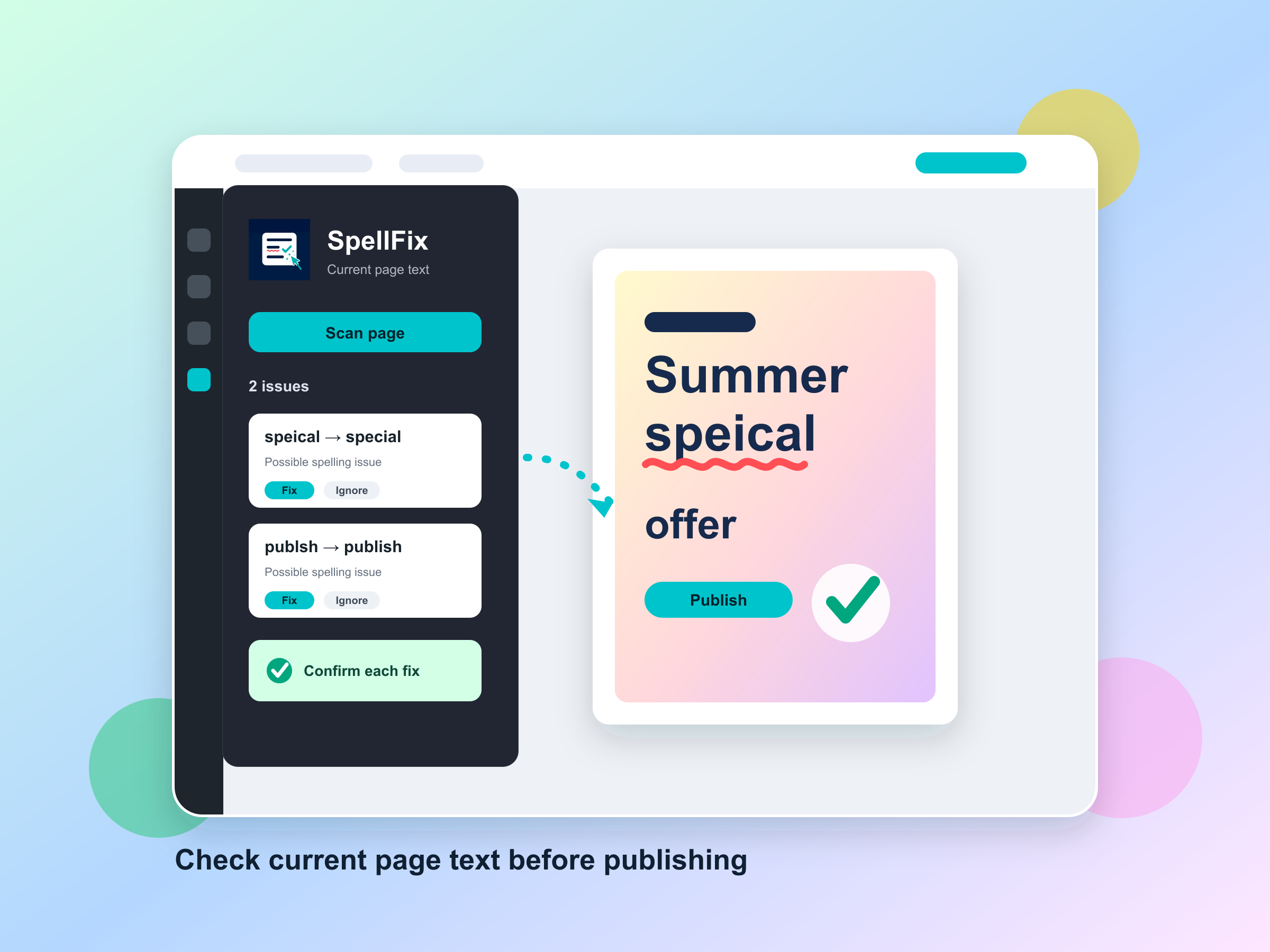
Read editable text blocks on the current Canva page without promising a full-design scan.
See possible spelling issues in one focused list with the surrounding text context.
Apply confirmed fixes, handle duplicates deliberately, ignore accepted words, and rescan.
Explore Storyship apps for Canva and Figma.