
 Canva
CanvaChoose a logo
Select an existing logo in Canva or upload a PNG/JPG file that needs cleanup.
Canva app by Storyship
Logo Repair helps Canva creators clean up low-quality logo files they already own. Upload or select a logo, choose a focused repair goal, preview the repaired result, and insert either the repaired logo or a lightweight logo kit with common brand shapes.
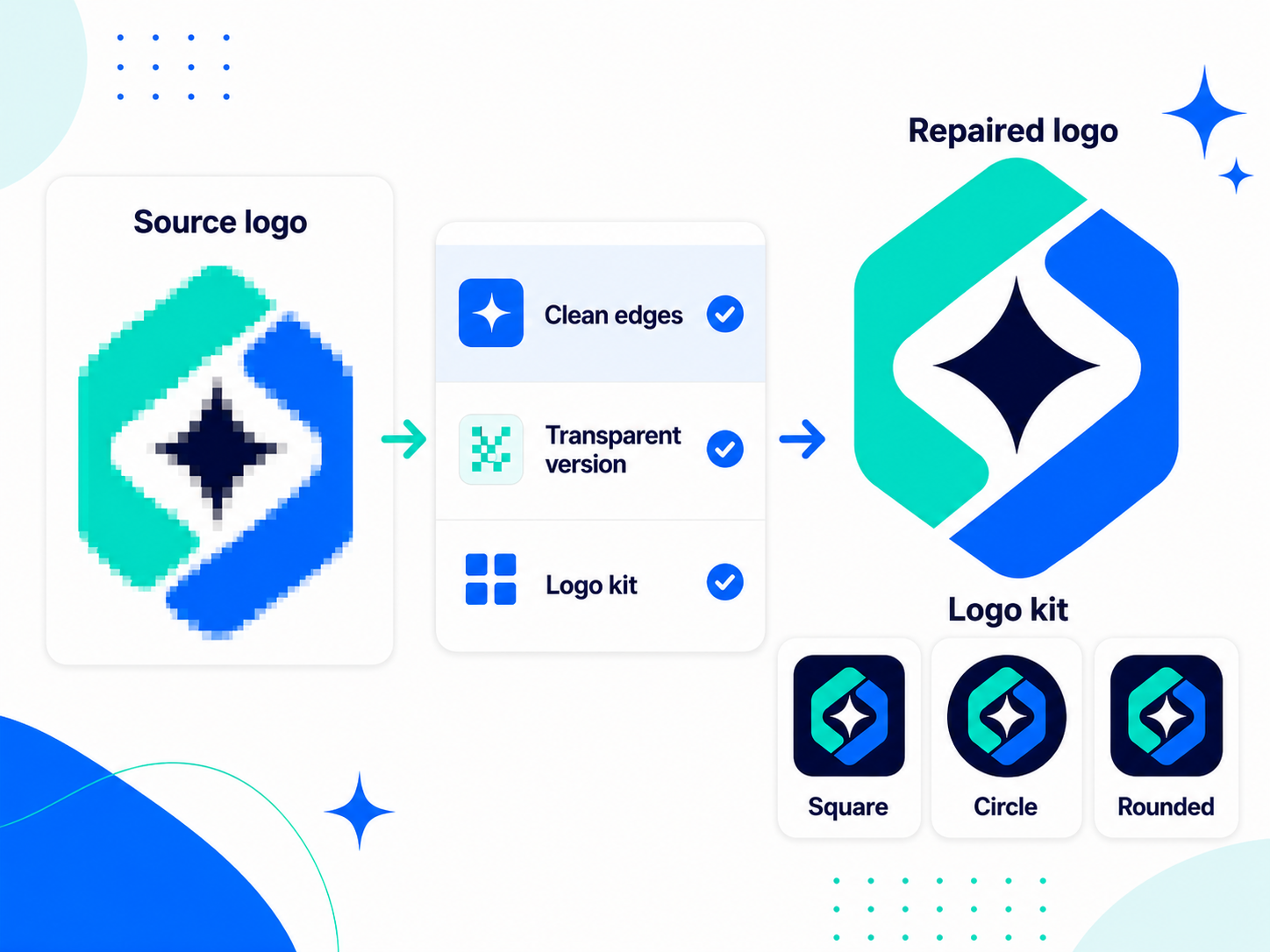
Select an existing logo in Canva or upload a PNG/JPG file that needs cleanup.
Use Mono, Clean, or Transparent goals so the app stays focused on logo repair.
Add the repaired logo alone, or insert transparent, square, circle, and rounded versions.
Explore Storyship apps for Canva and Figma.